Tutorial Groups
Viewing Tutorial Groups as a Student
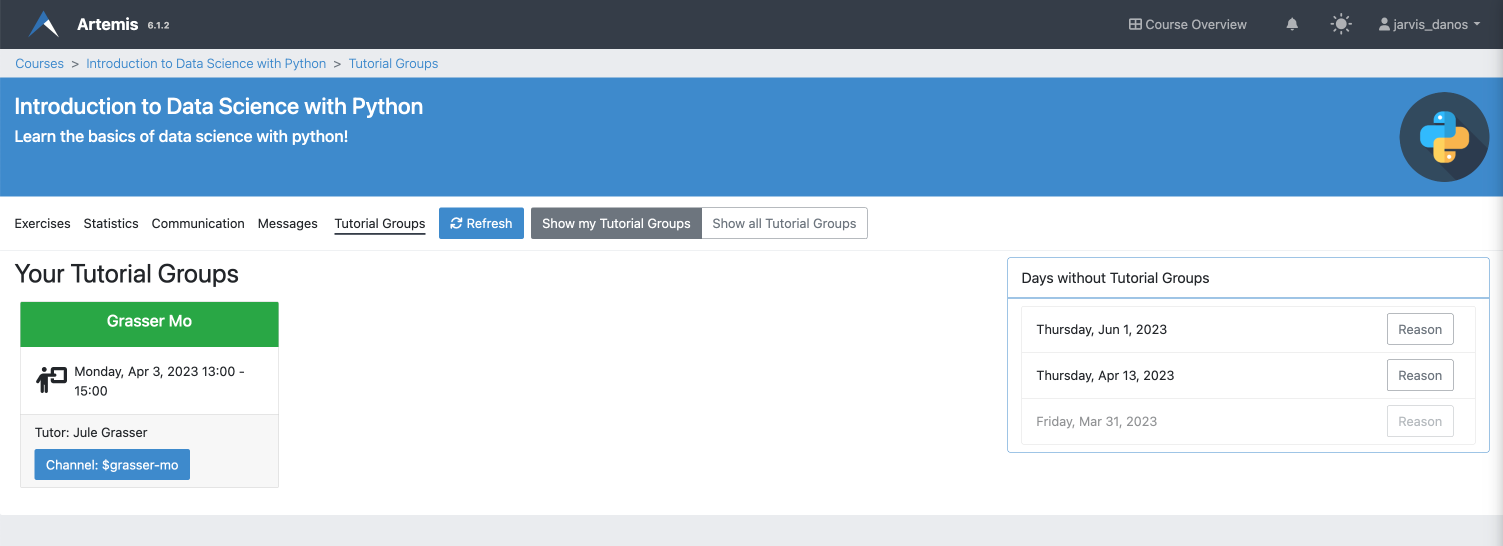
Students can access their tutorial groups for a specific course by navigating to the course's Tutorial Group page.
The sidebar organizes tutorial groups into sections. If you are enrolled in any groups, they appear under My Tutorial Groups. All other groups in the course are listed under Further Tutorial Groups, where you can see each group's name, utilization, and responsible tutor. This is useful if you want to switch to a less crowded group: pick one with low utilization and contact the tutor to get enrolled.

To see more details about a tutorial group (including an overview of all sessions), click on the name of the tutorial group. This opens the detail page of the respective group. The session overview is shown at the bottom of the page. You can toggle between viewing all sessions and only future sessions.
