User Experience
Artemis has been developed with high learnability and user experience in mind.
User Interface Themes
Artemis ships both a light and a dark theme to improve your overall experience if you're used to dark themes, e.g. from your preferred IDE.
Changing the theme
You can change the theme manually at any time by clicking the theme switcher icon in the navbar:
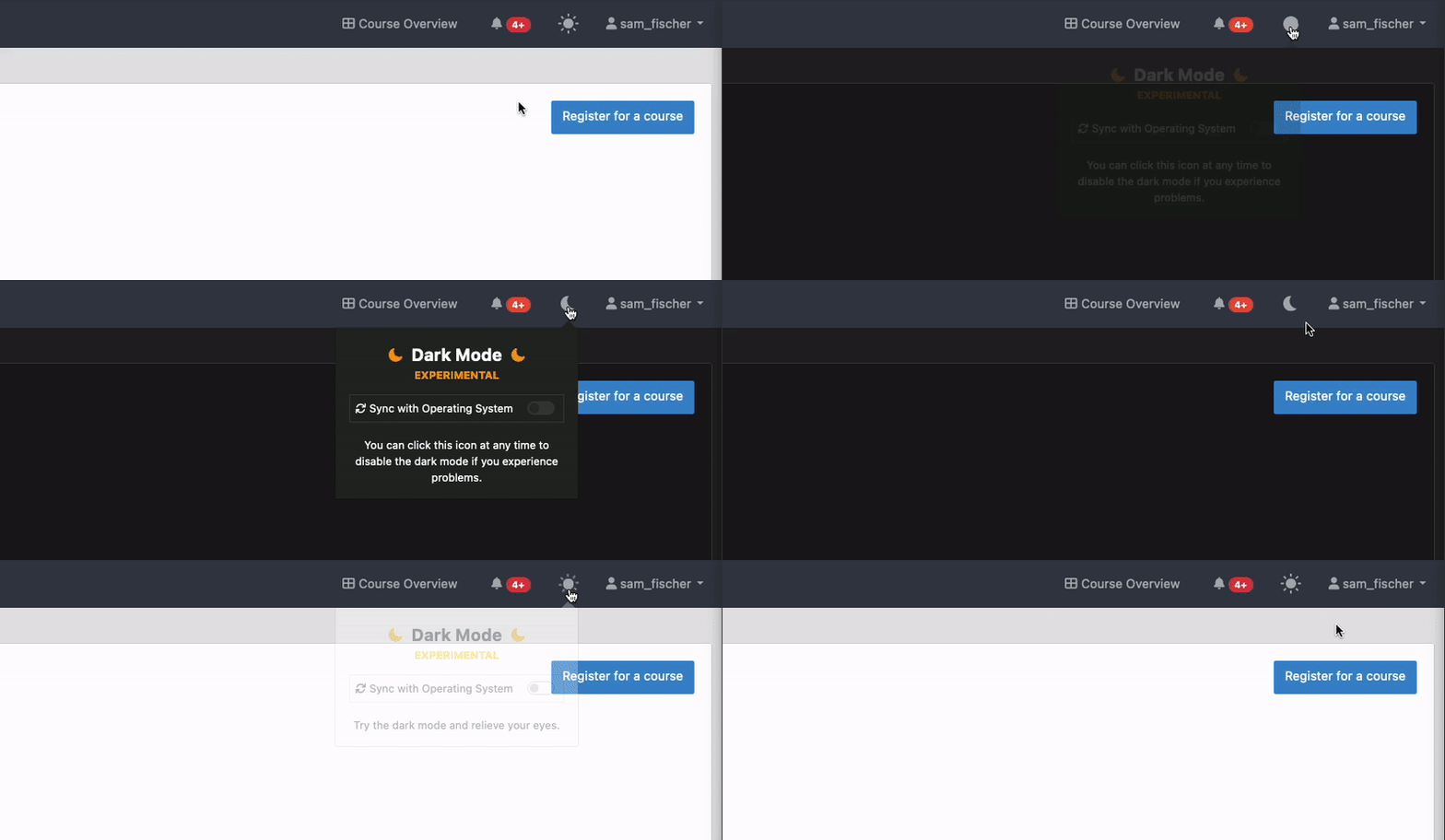
Synchronize the theme with your operating system
By default, Artemis will choose the preferred theme according to your OS settings. This is especially useful if you use a mechanism that changes your UI theme system-wide based on your ambient light or the time of the day.
This setting will be disabled if you ever change the theme of Artemis manually. To re-enable the synchronized behavior, enable this setting in the theme settings popover.
In the following example, the user has manually set the light theme, but the OS reports a preference of dark themes, so the theme changes automatically when enabling the synchronization.
